How to Use WoodedHand Converted
Follow these four simple steps to reshape your video files with precision.
1. Launch the Workshop
Open the WoodedHand Converted application on your desktop. You’ll be greeted by our clean, distraction-free interface designed to get you straight to work.
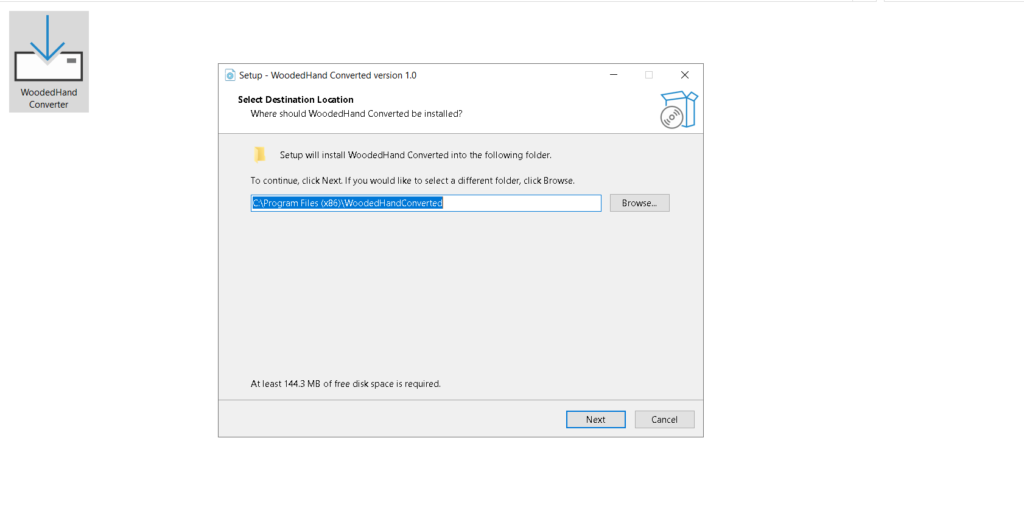
2. Select Your “Raw Timber” (File)
Click the “Select File” button (or drag and drop your video directly into the window). This imports your original footage into the converter, ready for its transformation.
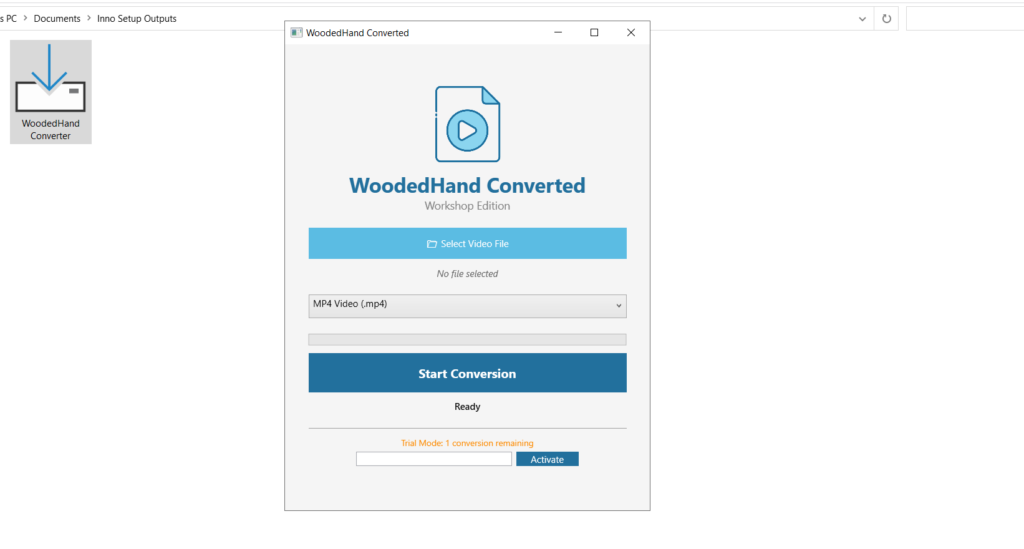
3. Choose Your Shape (Format)
Use the dropdown menu to select your conversion format. Whether you need a lightweight MP4 for the web or a high-fidelity MOV for professional editing, choose the format that best fits your project’s needs.
4. Begin the Carving
Once your settings are dialed in, click the “Convert” button. WoodedHand will get to work immediately, processing your video with high-speed efficiency while maintaining every grain of quality.
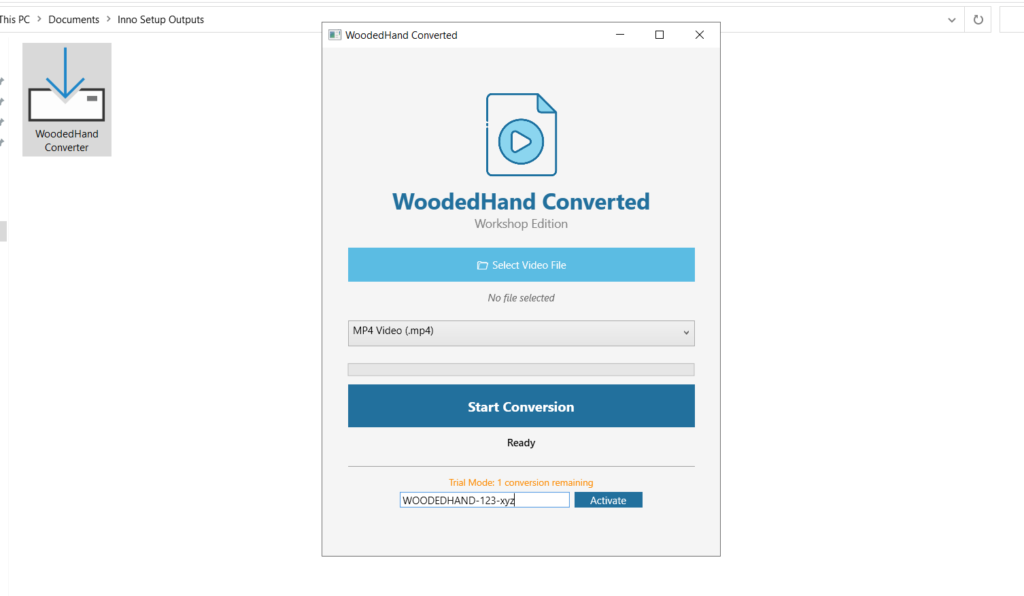
4. PAID USERs
If you want to convert more than 1 video per day buy our pro package you will get a license key in you email. Enter the key and activate it.